In this article, we will explain how to change your Windows username.
To change the Windows username on your computer and have this change reflected in the Monitoo portal, follow the steps described below:
 Go to Run:
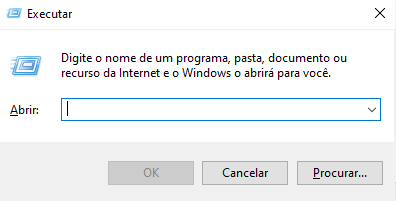
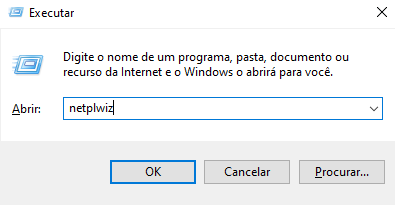
 Enter the command netplwiz
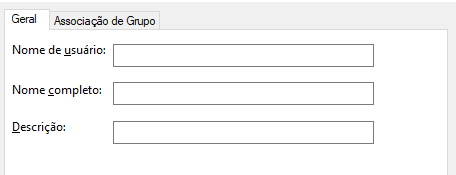
 To change the name, you need to double-click on the name and edit the Username:
After making this change, you need to restart the computer for the change to take effect.
Hey there, now you know how to change your Windows username?
Want to learn more about Monitoo and measure the productivity of your employees? Visit www.monitoo.com.br and get in touch with us!